Hello, I need help with Dreadline. I updated my Intellivision Sprint and put all the files into my USB drive. Everything shows up, but when I click on the game the graphics are all jumbled up. You can hear the game just fine and even start the game, but the graphics are all jumbled up and glitched. I've tried installing on a different USB drive all by itself and I get the same result. Not sure what to do. Thank you for your help.
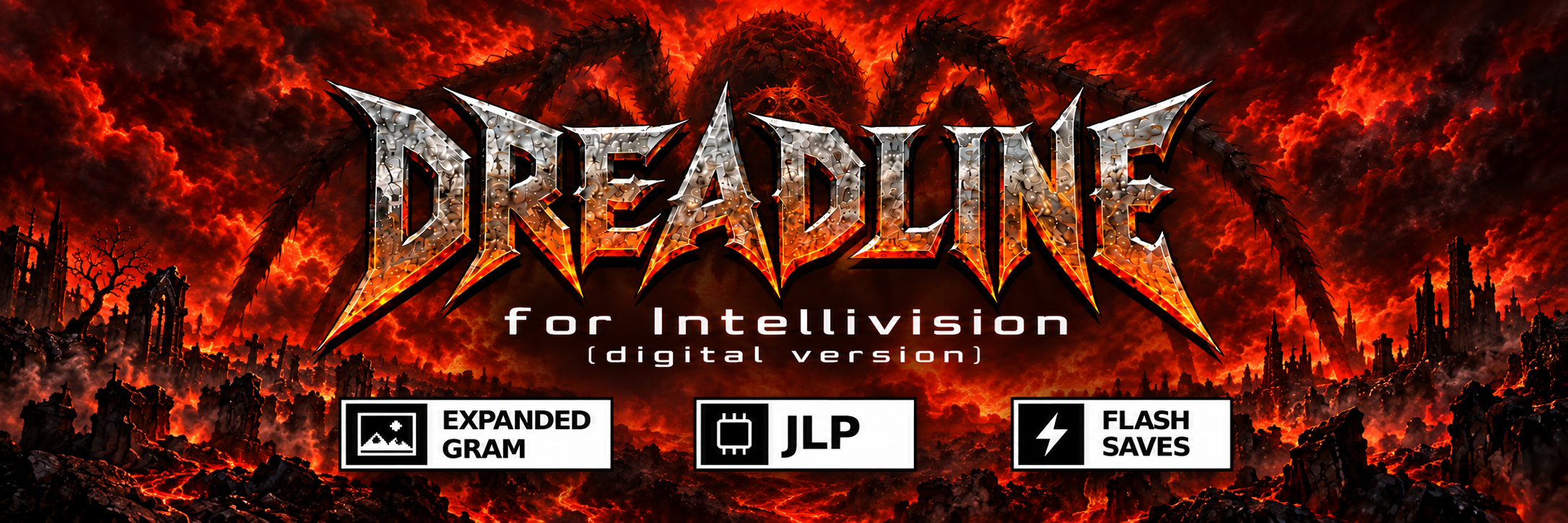
This seems to be an issue with expanded GRAM not being activated. Make sure to update your Sprint's firmware to the latest version. Please come back if that does not fix it.
Problem has now been resolved. I was only downloading the update from Atari.com. Someone at AtariAge informed me that I needed to get the newer updates from AtariAge. Once I did that the game now works perfect. Also, thank you for such a cool game. I love the graveyard background with fog and the awesome picture reveal at the end. You've made a very fun game. This will be great for my Halloween show I do on my Youtube channel.
Sorry, I'm not familiar with it. Folks over at AtariAge may be able to help. Ultimately, it needs to be able to generate a command line similar to the one below: jzintv -z3 -G2 -v0 -s0 --jlp-save="dreadsave" Dreadline.bin
← Return to game
Comments
Log in with itch.io to leave a comment.
Hello, I need help with Dreadline. I updated my Intellivision Sprint and put all the files into my USB drive. Everything shows up, but when I click on the game the graphics are all jumbled up. You can hear the game just fine and even start the game, but the graphics are all jumbled up and glitched. I've tried installing on a different USB drive all by itself and I get the same result. Not sure what to do. Thank you for your help.
This seems to be an issue with expanded GRAM not being activated. Make sure to update your Sprint's firmware to the latest version. Please come back if that does not fix it.
Problem has now been resolved. I was only downloading the update from Atari.com. Someone at AtariAge informed me that I needed to get the newer updates from AtariAge. Once I did that the game now works perfect. Also, thank you for such a cool game. I love the graveyard background with fog and the awesome picture reveal at the end. You've made a very fun game. This will be great for my Halloween show I do on my Youtube channel.
Glad to hear the issues are resolved. Enjoy the game!
Hi Akegata, I sent you a PM over on AA about trying to get this to run on a hardware inty88 board.
I have responded. Thanks.
Help! How can I configure the game? I use jzIntvGUI.
Sorry, I'm not familiar with it. Folks over at AtariAge may be able to help.
Ultimately, it needs to be able to generate a command line similar to the one below:
jzintv -z3 -G2 -v0 -s0 --jlp-save="dreadsave" Dreadline.bin
Hello, were you able to play the game? Let me know if you still need help.
Yes, all ok now!